Free guide

Basic SEO recommendations for your website

By · Published: · Updated:

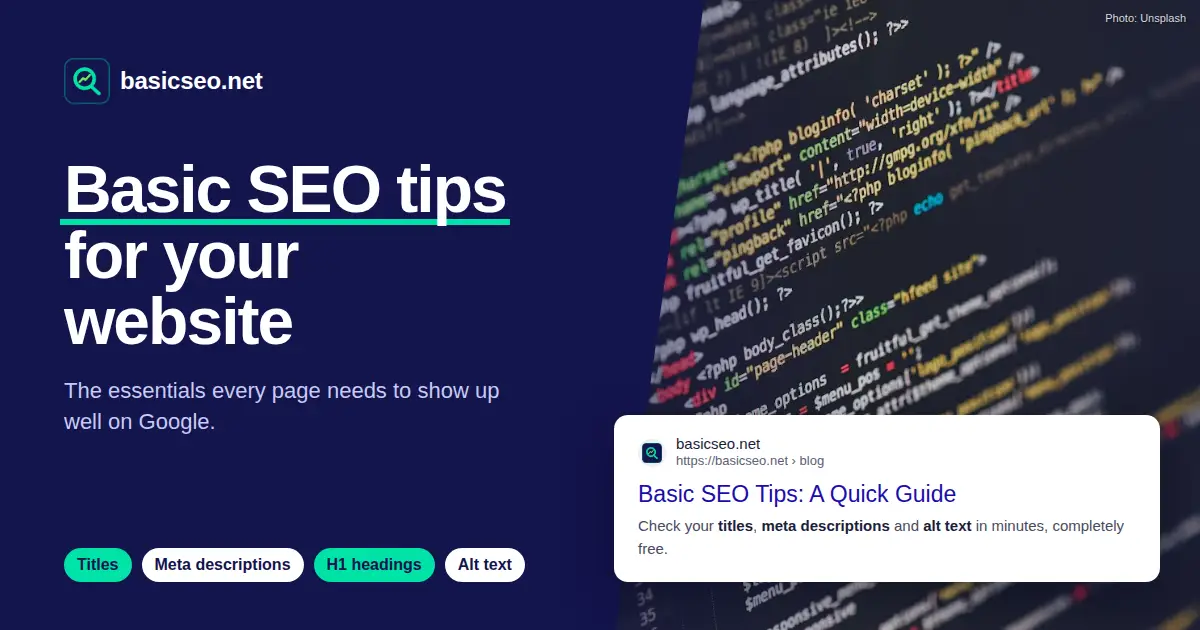
“Basic SEO tips for your website” cover with HTML code and a basicseo.net search result

If your site doesn’t show up on Google or gets few visits, the cause is almost always the basics. This list covers the 18 recommendations with the most impact, in plain language. Check them off as you go.

Content and metadata

What Google reads first to understand what each page is about.

1. Write a unique title for every page

Why it matters: The title (the <title> tag) is the first thing people see in Google’s results and one of the strongest signals of what the page is about.

How to do it:

  • Keep it between 30 and 60 characters so Google doesn’t cut it off.
  • Put the main keyword first and your brand last, e.g. “Wedding cakes in San Diego | Lupita’s Bakery”.
  • Don’t reuse the same title on several pages.

2. Add a meta description that earns the click

Why it matters: It doesn’t raise your ranking by itself, but Google often shows it under the title. A good description makes more people pick your result.

How to do it:

  • Between 70 and 160 characters.
  • Summarize what people will find and end with an invitation: “Get a free quote”, “See the menu”.
  • Write a different description for every page.

3. Use one H1 that says what the page is about

Why it matters: The H1 is the main heading. It confirms, to Google and to the visitor, that they landed in the right place.

How to do it:

  • One H1 per page, usually the visible title of the content.
  • Keep it in line with the page title, even if it isn’t identical.
  • Don’t leave the logo as the only H1.

4. Structure the content with H2 and H3 subheadings

Why it matters: Subheadings make the text easy to scan and give Google context about each section.

How to do it:

  • Follow a logical order: H2 for sections, H3 for what goes inside them.
  • Don’t pick a heading level for its font size; the design handles that.

5. Answer what people are actually looking for

Why it matters: Google favors helpful content written for people. A page that fully answers the question competes better than one stuffed with keywords.

How to do it:

  • Before writing, search your keyword on Google and see what kind of results show up: guides, stores, maps.
  • Answer the main question in the first paragraphs.
  • Don’t force the keyword into every sentence.

6. Use short, descriptive URLs

Why it matters: A clear URL tells visitors and Google what’s on the page before they open it.

How to do it:

  • Lowercase words separated by hyphens: /services/web-design.
  • No dates, IDs or unnecessary parameters.
  • If you change a URL, redirect the old one with a 301.

Images

Well-optimized images bring visits from Google Images and make your site accessible.

7. Write descriptive alt text

Why it matters: The alt attribute describes the image to people using screen readers (accessibility and ADA) and tells Google what it shows.

How to do it:

  • Describe what you see in a natural sentence: “Three-tier wedding cake with white flowers”.
  • Avoid file names like “IMG_2045” or hyphenated text with no spaces like “wedding-cake-3-tier”.
  • Purely decorative images can use an empty alt (alt="").

8. Reduce image file size

Why it matters: Heavy images are the most common cause of slow pages, especially on phones.

How to do it:

  • Use modern formats like WebP or AVIF.
  • Upload them at the size they’re displayed, not 4,000 pixels wide.
  • Add loading="lazy" to images further down and set their width and height to avoid layout jumps.

Technical SEO

The foundation that lets Google find, crawl and index your site without trouble.

9. Use HTTPS and a single version of your domain

Why it matters: HTTPS is a trust signal. And if your site loads both with and without “www”, Google may see it as two duplicate sites.

How to do it:

  • Install an SSL certificate; many hosts include one free with Let’s Encrypt.
  • Redirect with a 301 from http to https and from www to non-www (or the other way around), always to the same version.

10. Make sure it works well on phones

Why it matters: Google mainly evaluates the mobile version of your site. If content is missing or broken on mobile, that’s what counts.

How to do it:

  • Responsive design and text that’s readable without zooming.
  • Buttons and links with enough room to tap them.
  • The same content on mobile as on desktop.

11. Watch your speed (Core Web Vitals)

Why it matters: Core Web Vitals measure how fast your page loads, how fast it responds and how stable it looks. They’re part of the experience Google takes into account.

How to do it:

  • LCP (main content load): under 2.5 seconds.
  • INP (response to interactions): under 200 milliseconds.
  • CLS (layout shifts): under 0.1.
  • Measure them for free with Google’s PageSpeed Insights.

12. Have a sitemap.xml and a robots.txt

Why it matters: The sitemap hands Google the list of pages you want found; robots.txt tells it which parts not to crawl.

How to do it:

  • Only include URLs in the sitemap that work (status 200) and that you want on Google.
  • Make sure robots.txt isn’t blocking the whole site by mistake with “Disallow: /”.
  • Point to the sitemap in robots.txt and submit it in Google Search Console.

13. Use the canonical tag

Why it matters: If the same page opens under several URLs (with parameters, filters or capital letters), the canonical tells Google which one is the main one and avoids duplicate content.

How to do it:

  • Give every page a <link rel="canonical"> pointing to its clean URL.
  • Make the canonical use the same domain version (https, with or without www) as the rest of the site.

Links and presence

How to help Google see which of your pages matter and where your business is.

16. Add structured data (schema.org)

Why it matters: It describes your business, products or articles in a format Google understands, and can make your results show extra information.

How to do it:

  • Start with Organization or LocalBusiness on your homepage.
  • Use the JSON-LD format.
  • Validate it with Google’s Rich Results Test.

17. Create your Google Business Profile

Why it matters: If you serve customers in a city, your Business Profile is what puts you on Google Maps and in local results.

How to do it:

  • Verify your business and fill in category, hours, phone and website.
  • Use the same name, address and phone on your site and in directories.
  • Ask customers for reviews and reply to them.

Measurement

What you don’t measure, you can’t improve.

18. Measure with Google Search Console and Analytics

Why it matters: Search Console shows which searches you appear for, how many clicks you get and whether Google has trouble indexing your site.

How to do it:

  • Verify your domain in Search Console and submit your sitemap.
  • Check the Performance report: clicks, impressions and average position.
  • Connect Google Analytics 4 to see what visitors do once they arrive.

Check your site in minutes

basicseo.net crawls your whole site and tells you which pages have problems with the title, meta description, H1 or image alt text. It’s free.

Request free access

Leer en español: Recomendaciones básicas de SEO para tu sitio web